













Description
Solve Puzzles with Mickey in a Water Adventure
Overview
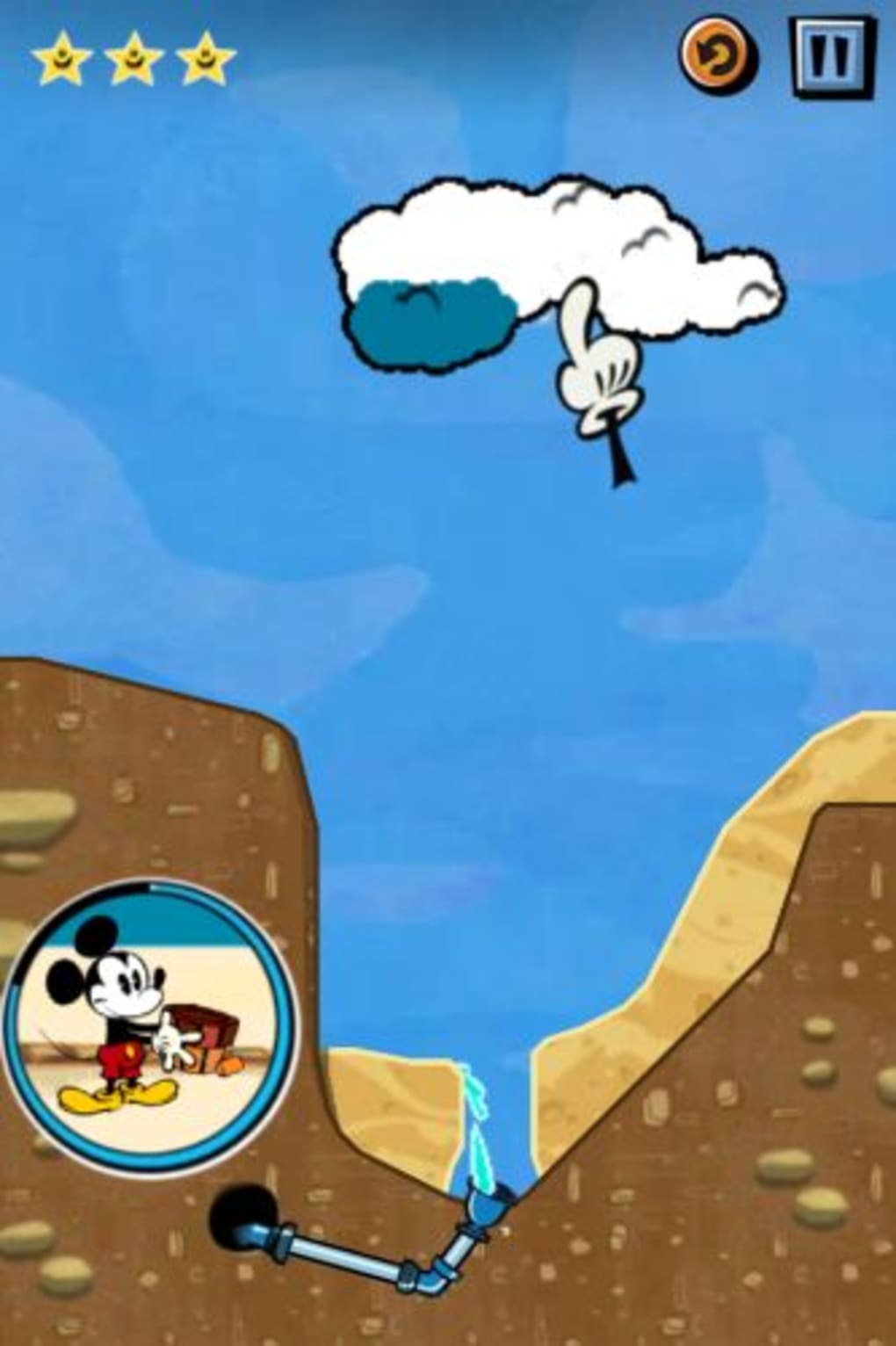
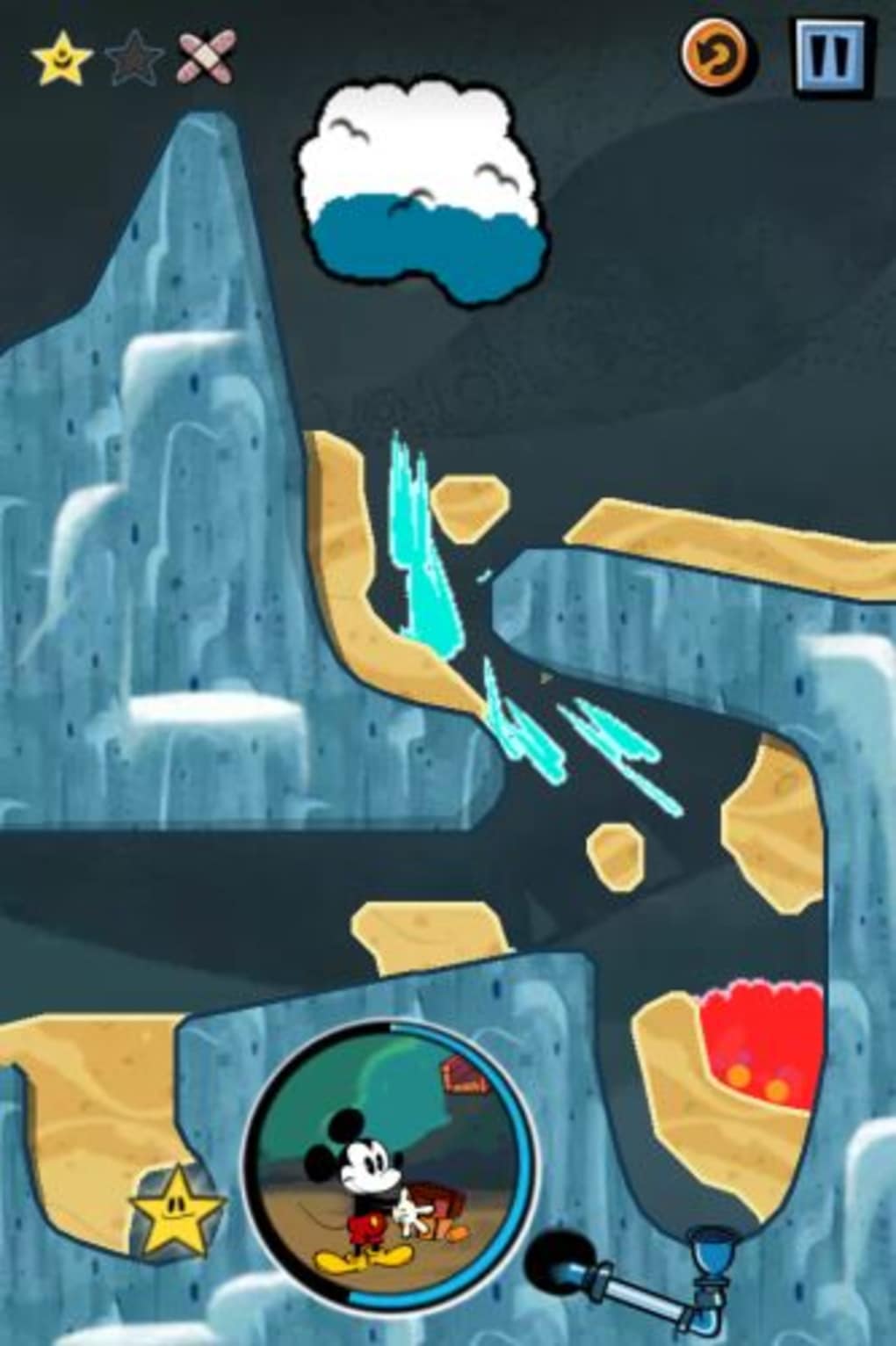
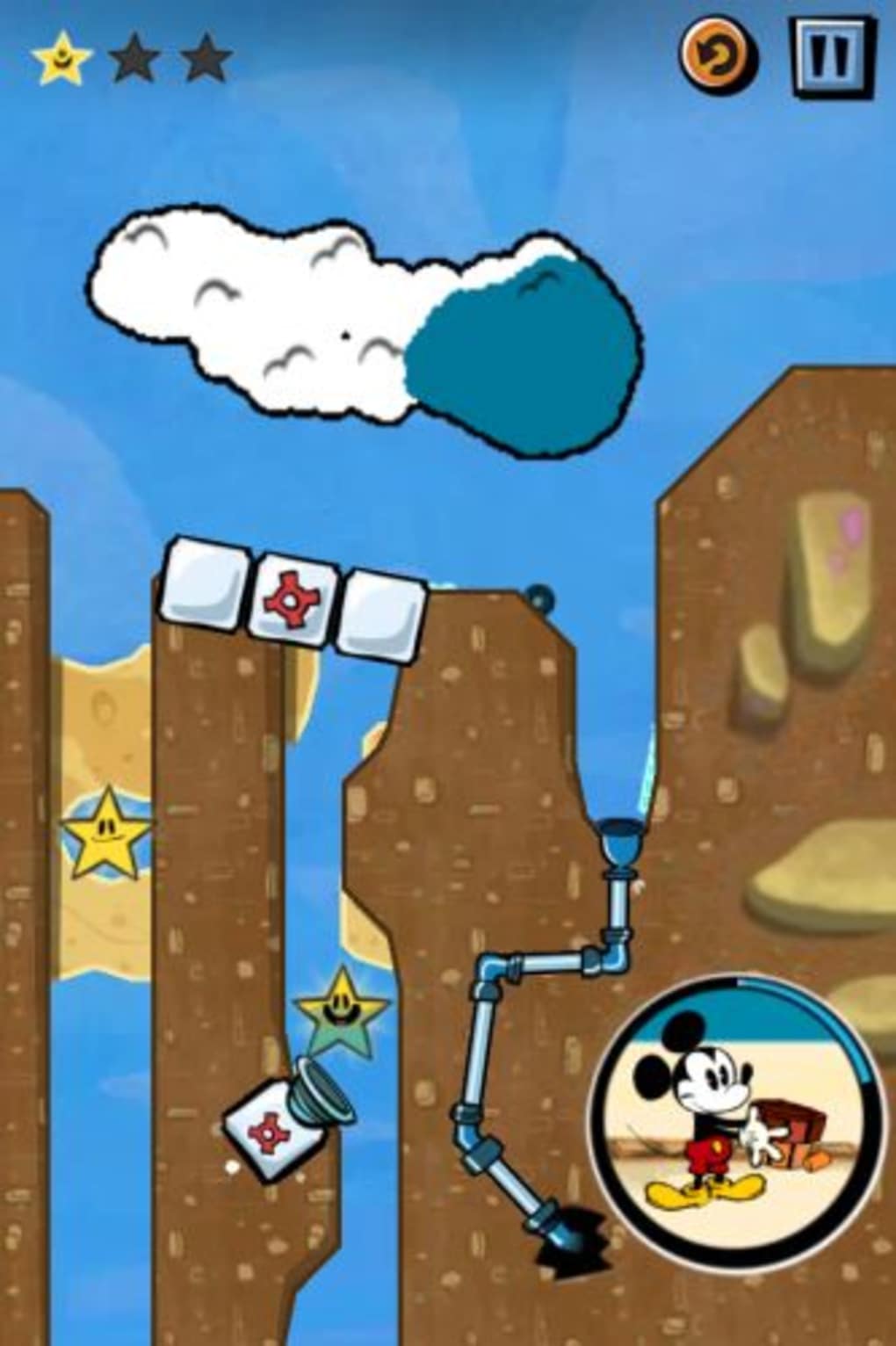
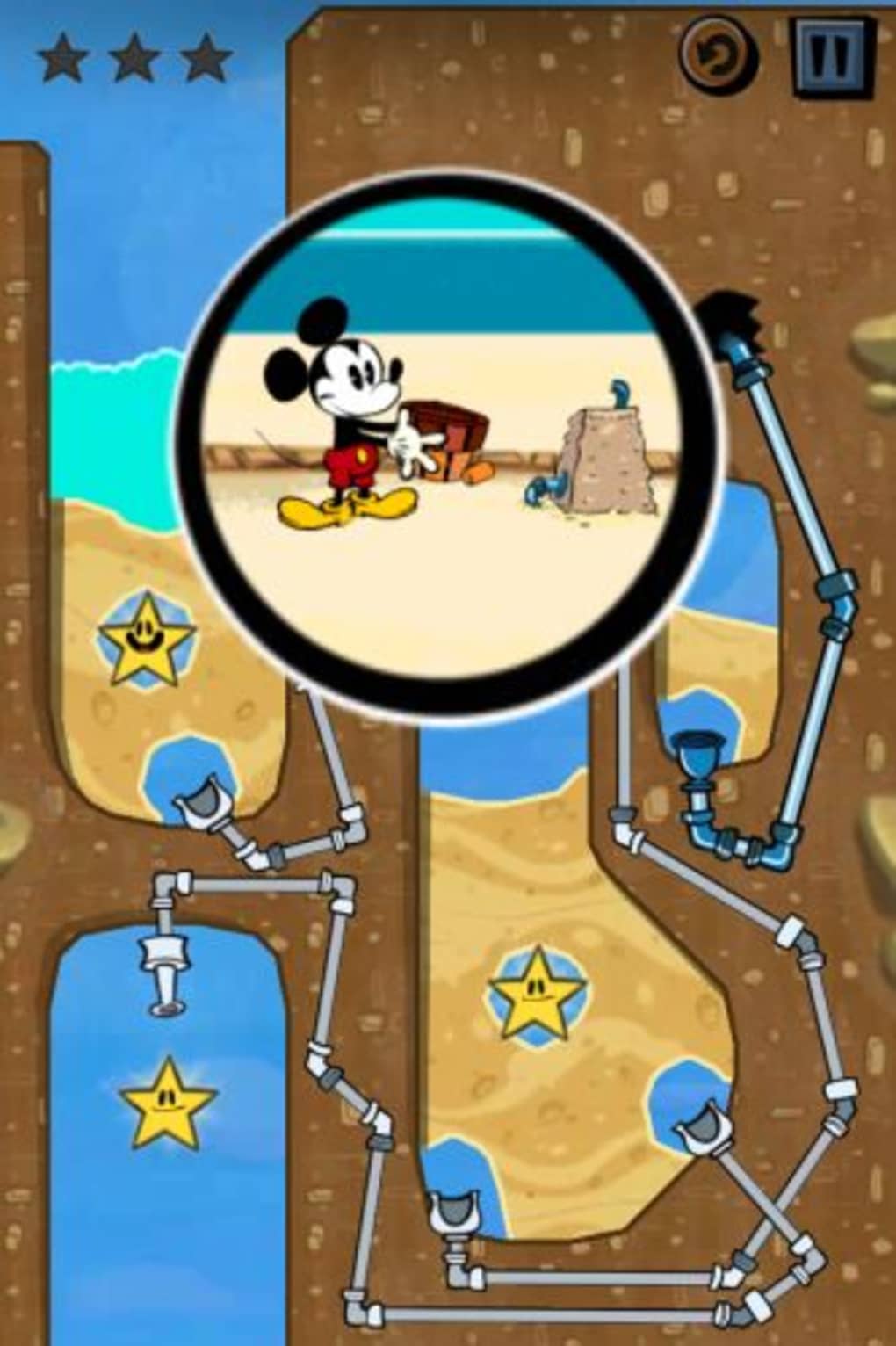
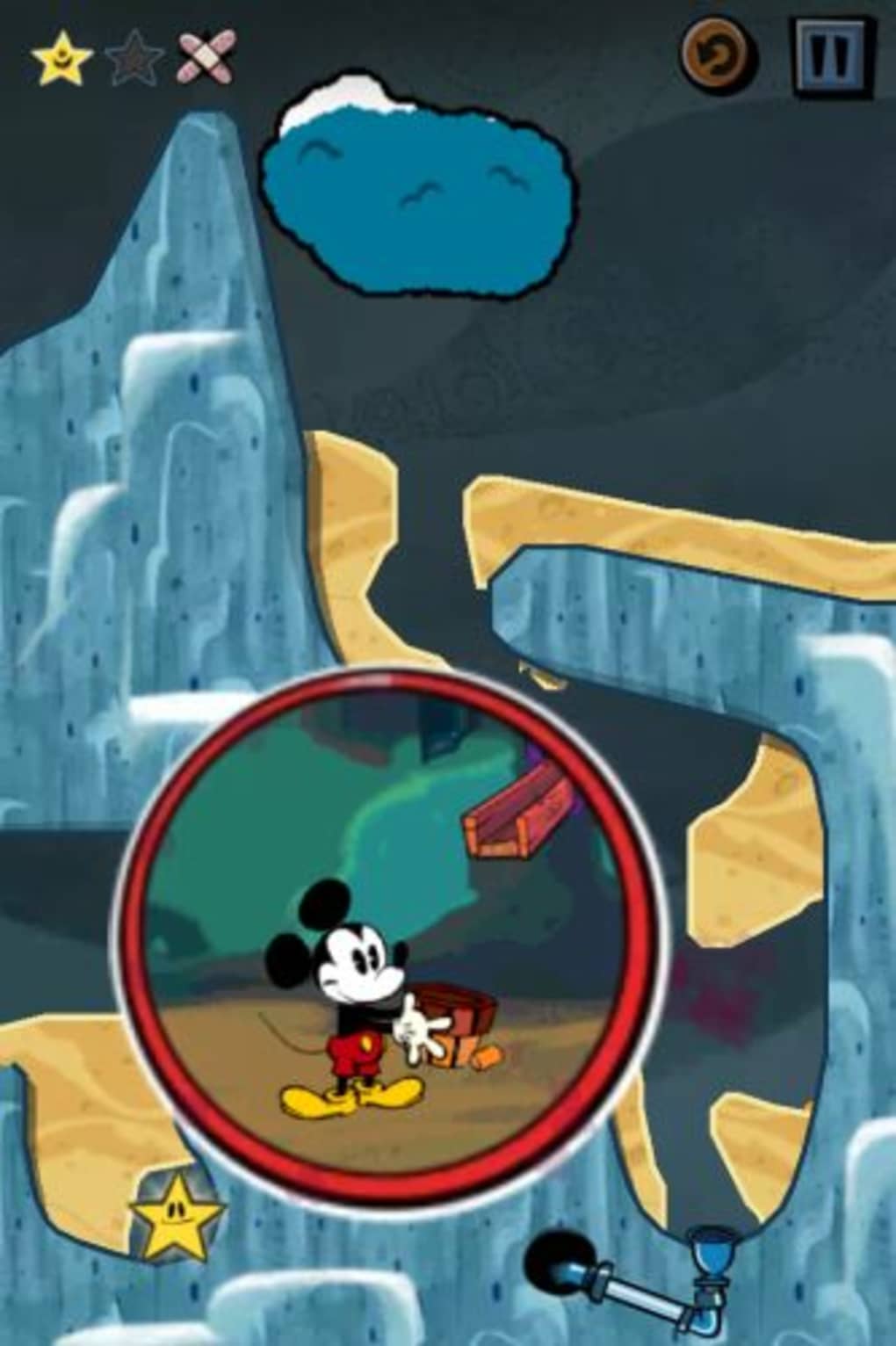
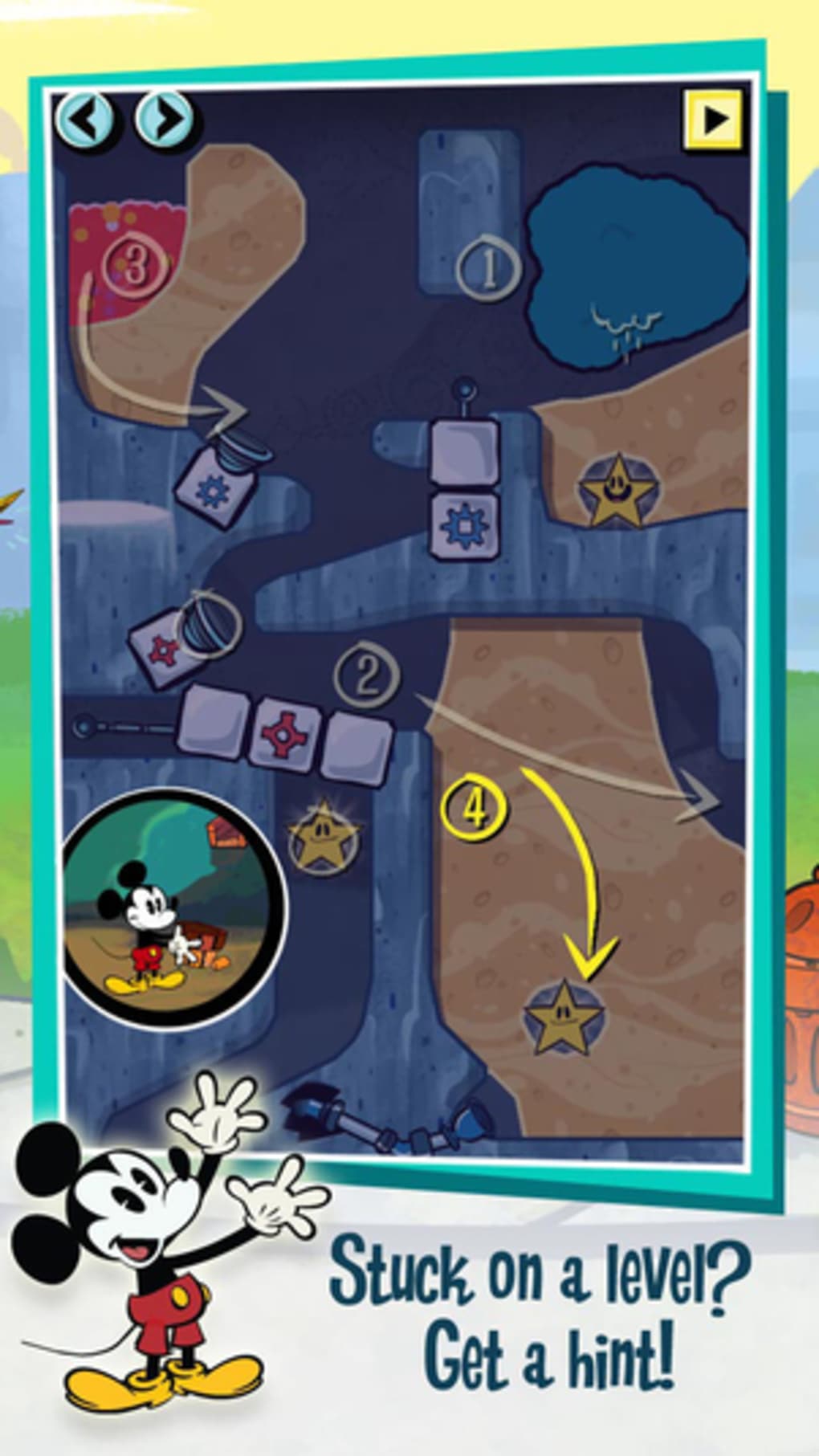
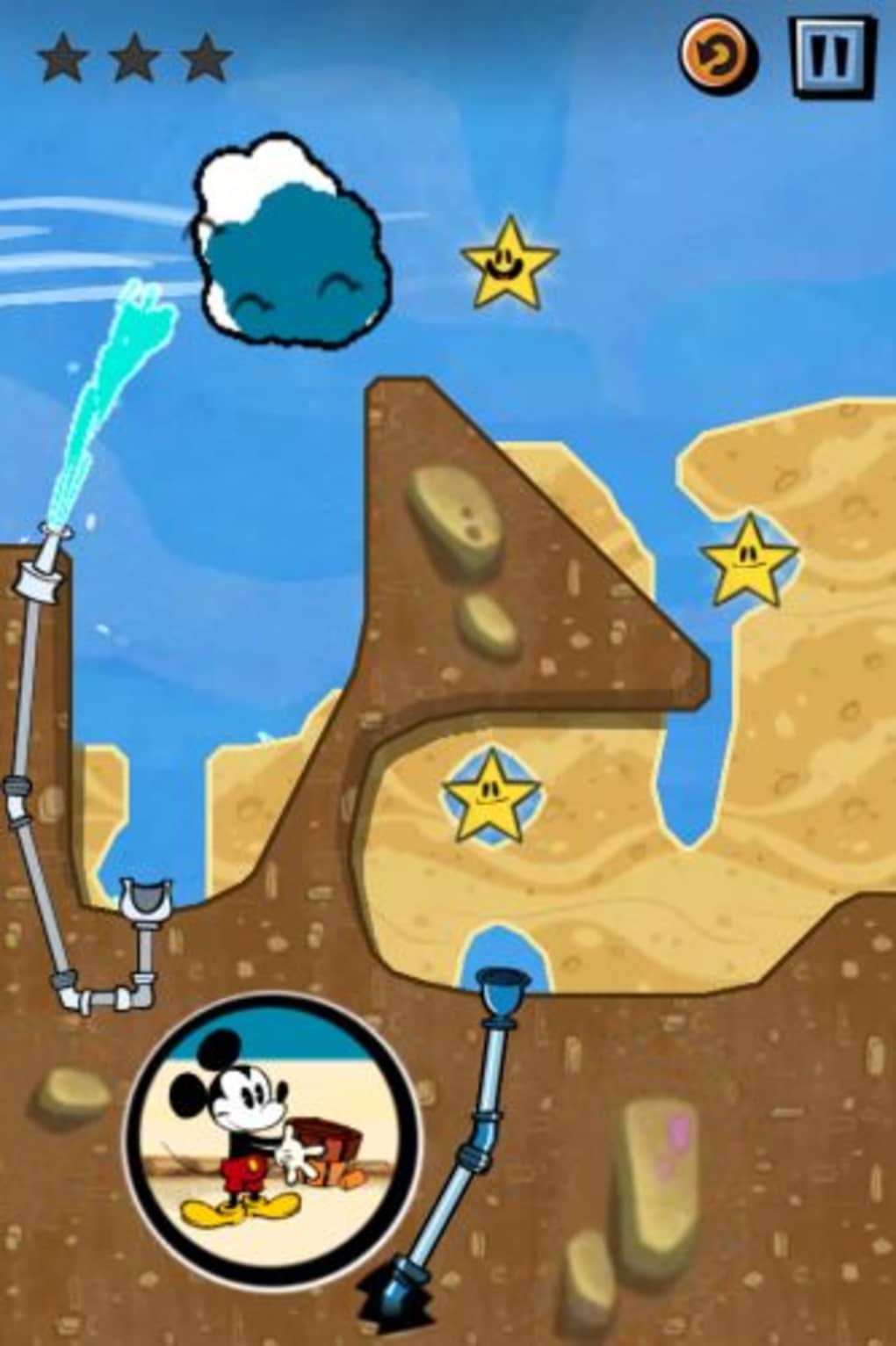
Where's My Mickey? is a physics-based puzzle game developed by Disney, designed to entertain players with creative water management challenges. The game centers on guiding water from various sources to Mickey Mouse’s bucket using a combination of digging tunnels, manipulating clouds, and controlling wind. This engaging gameplay builds on the successful formula of previous titles in the series, including Where's My Water? and Where's My Perry?, while introducing fresh mechanics and themed stages.
The game is tailored for casual gamers and fans of Disney’s iconic characters, particularly those who enjoy lighthearted, puzzle-driven experiences. Players progress through three main story-based stages, each set in a unique environment—such as a beach, a mysterious fire scene, and a gardening competition—offering a narrative thread that enhances immersion. Additional stages featuring Goofy can be unlocked via in-app purchases, expanding the gameplay experience.
Real-world usage scenarios include short gaming sessions during breaks, family entertainment, or solo puzzle-solving for those who appreciate whimsical challenges. The game’s design encourages problem-solving and spatial reasoning, making it suitable for both younger audiences and nostalgic adults. The developer did not provide additional system requirements.
Key Features & Capabilities
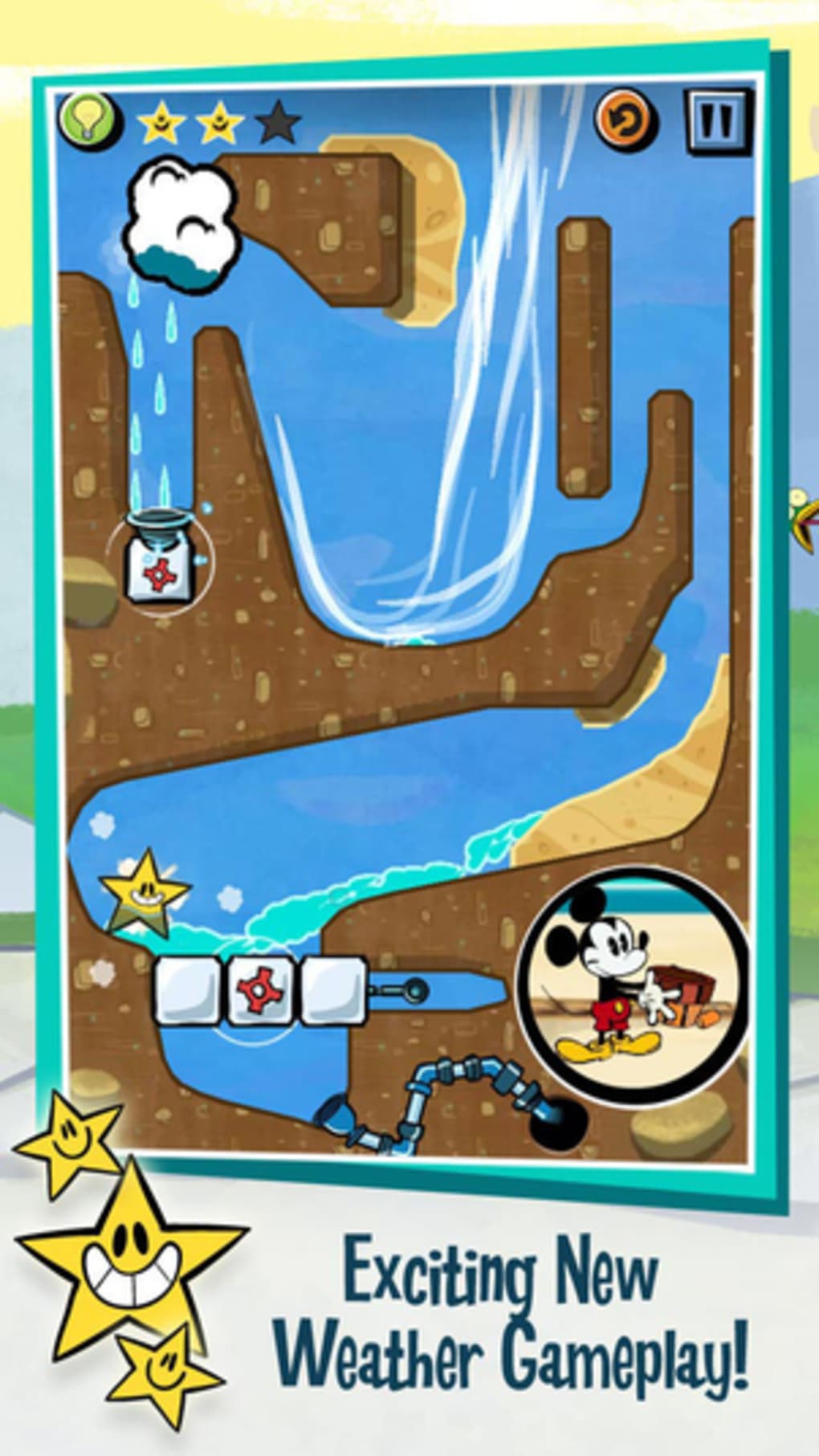
- Physics-Based Puzzle Mechanics – Players manipulate water flow through tunnels, clouds, and wind to reach Mickey’s bucket, requiring strategic planning and real-time adjustments.
- Themed Story Stages – Three distinct environments—beach, fire-fighting, and gardening—each with unique visual themes and puzzle challenges, adding variety to gameplay.
- Interactive Elements – Tapping clouds to release rain, dragging to dig tunnels through mud, and sliding to control wind direction provide tactile and intuitive gameplay.
- Engaging Cut Scenes – Between levels, animated sequences featuring humorous interactions with Mickey and supporting characters enhance the narrative and charm.
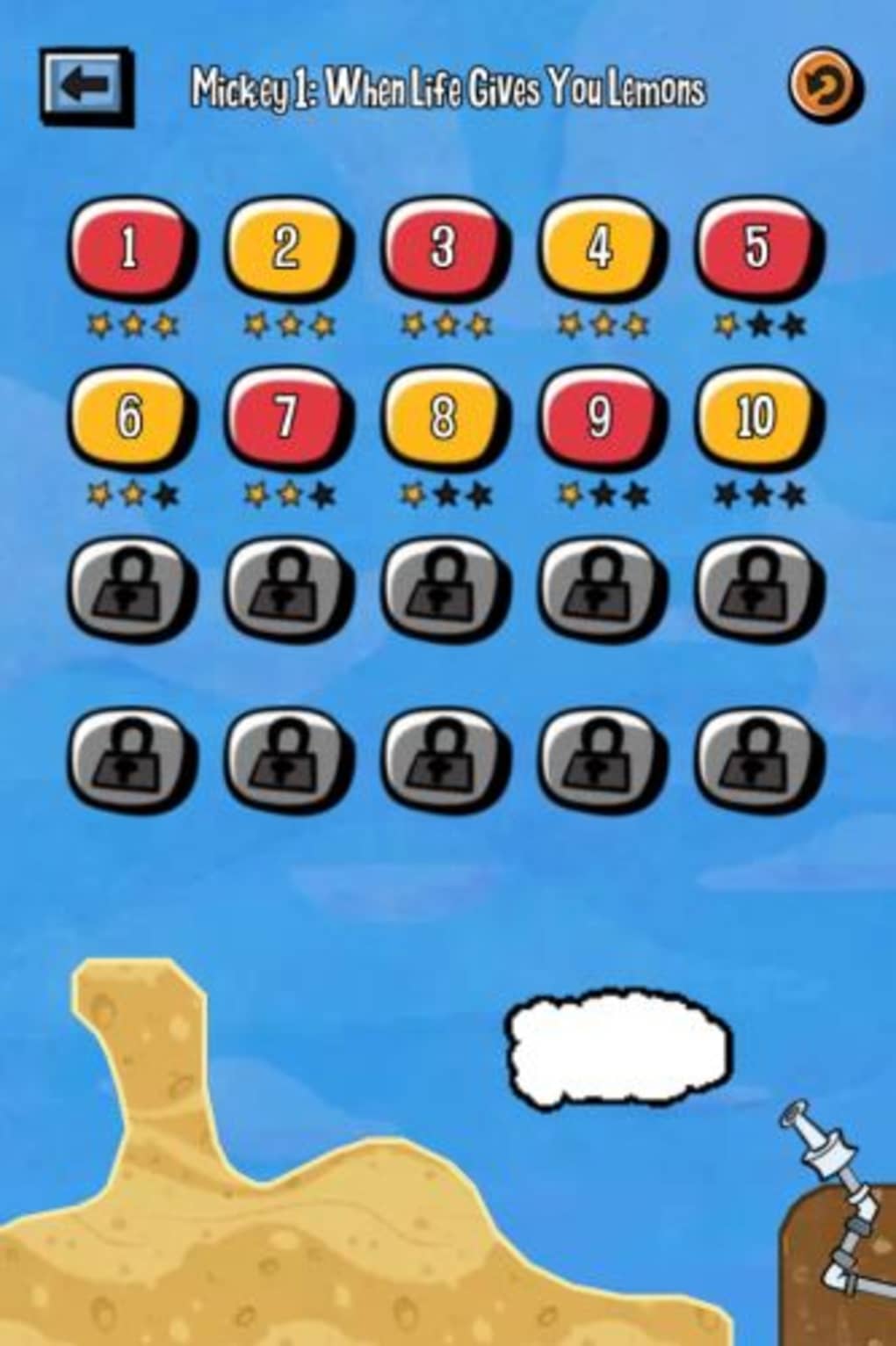
- Collectibles and Achievements – Hidden objects in the dirt and stars earned per level encourage replayability and exploration.
These features work together to create a cohesive and immersive experience. For example, in the beach stage, players must dig tunnels beneath sand dunes to redirect water from a distant source. In the gardening stage, wind control becomes essential to guide rain onto thirsty plants. The game’s mechanics are consistent with those of its predecessors, but the addition of new environmental interactions keeps the gameplay fresh.
User Interface, Workflow & Performance
The user interface is designed with simplicity and accessibility in mind. Navigation is intuitive, relying on touch-based gestures such as dragging to dig, tapping to release rain, and swiping to adjust wind. The layout remains consistent across levels, minimizing learning curves and allowing players to focus on puzzle-solving.
Workflow efficiency is high, as each level presents a clear objective—get water to Mickey’s bucket—while offering multiple possible solutions. This encourages experimentation and creative thinking. The game’s performance is expected to be stable on supported systems, though exact performance details were not specified.
Stability appears to be well-maintained, with no reported issues in the available information. CPU and RAM behavior were not disclosed. The developer did not specify resource usage details. Performance observations are based on general software behavior patterns.
Compatibility & System Requirements
Where's My Mickey? is available for both Windows and Mac operating systems. The software version is 1.0, with an installation size of 256 MB. The developer did not specify additional hardware or system requirements.
Compatibility information was partially provided. Players should ensure their system meets basic desktop application standards to run the software smoothly. Exact system requirements were not listed.
Pros and Cons
Pros
- Engaging physics-based puzzles with creative water management mechanics
- Themed stages with unique environments and storytelling elements
- Intuitive touch-based controls suitable for casual players
- High replay value through collectibles, stars, and unlockable content
- Charming cut scenes and nostalgic Disney presentation
Cons
- Some puzzle mechanics may feel repetitive over extended play
- Additional stages require in-app purchases to unlock
- Limited system requirement details for troubleshooting
- Performance behavior on low-end systems is unknown
FAQ Section
Is Where's My Mickey? compatible with Windows and Mac?
Yes, the game is designed to run on both Windows and Mac operating systems.
Is the software free to download and use?
Yes, Where's My Mickey? is available at no cost. Additional content may require in-app purchases.
Does the game require an internet connection?
Basic gameplay does not require an internet connection. However, some features like unlocking additional stages may require online access.
How often are updates released for the software?
Update frequency is not specified. The current version is 1.0, and no release schedule was provided.
Can I play Where's My Mickey? offline?
Yes, the core game can be played without an internet connection. Online access is only needed for optional content or account synchronization.
Final Thoughts + CTA
Where's My Mickey? stands out as a polished and enjoyable entry in the popular Where's My? series. With its charming Disney aesthetic, creative physics puzzles, and engaging story-driven stages, it delivers a satisfying experience for fans of casual gaming. The intuitive interface and replayable content ensure long-term engagement, while the visual style pays homage to classic Mickey Mouse cartoons.
While some mechanics may feel familiar to longtime fans, the added variety in environments and interactive elements keeps the gameplay fresh. The game is ideal for families, Disney enthusiasts, and anyone looking for a light-hearted puzzle challenge.
Download Where's My Mickey? now
Guides & Tutorials for Where s My Mickey
How to install Where s My Mickey
- Click the Preview / Download button above.
- Once redirected, accept the terms and click Install.
- Wait for the Where s My Mickey download to finish on your device.
How to use Where s My Mickey
This software is primarily used for its core features described above. Open the app after installation to explore its capabilities.
User Reviews for Where s My Mickey 0
No reviews found





